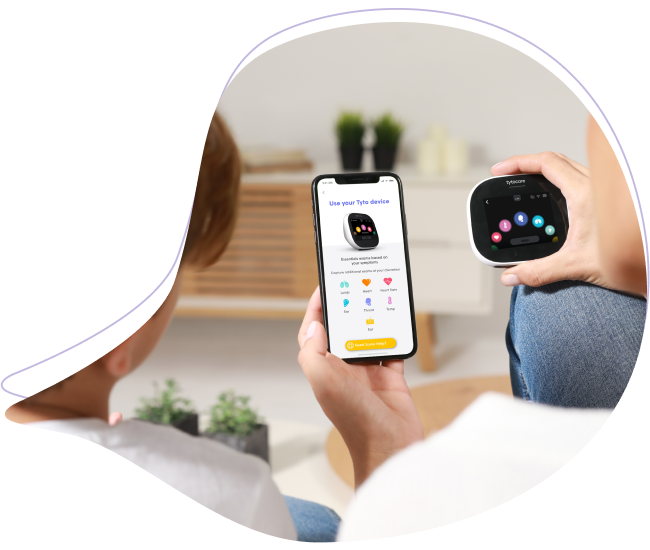
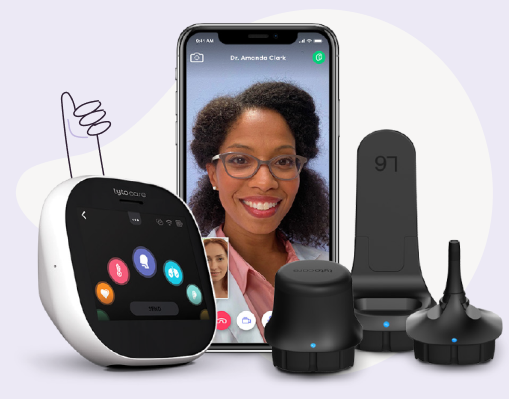
This knowledge article will provide you with steps to perform a Heart Rate Exam with your TytoHome device.
To watch this on YouTube just press CTRL on your keyboard and click on the YouTube logo on the lower right part of the window at the same time.
Heart Rate Exam Steps
- Select Exam: Choose the Heart Rate exam icon on the Tyto Device.
- Connect Stethoscope: The device will prompt you to connect the Stethoscope. Align the blue dots for correct positioning.
- Positioning & Capture: Place the Stethoscope on the chest as indicated by the image on the screen and press Start. Hold the device steady and do not speak during the reading. If the reading is weak, the device will prompt you to retake the exam.
- Completion: Wait until the measurement is complete and press Done.
- Confirmation: When you return to the main menu, a check mark will appear next to the Heart Rate exam indicating it has been captured.
Note: Ensure the Stethoscope is placed directly against the skin for the most accurate heart rate measurement.