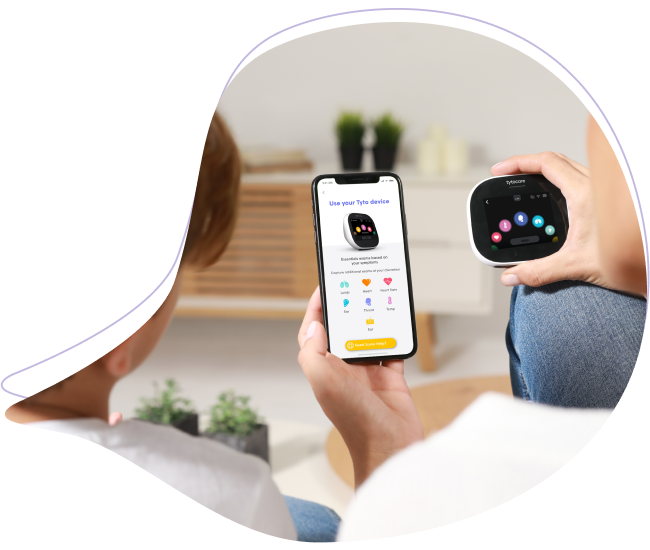
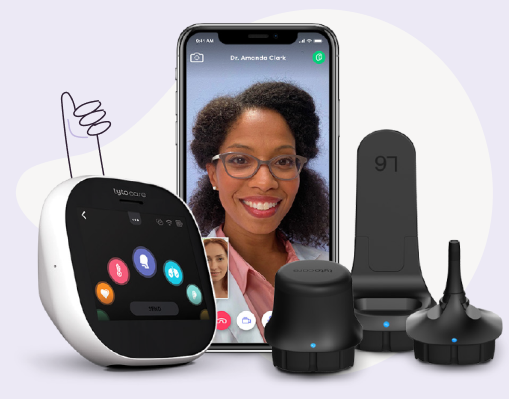
Your TytoCare device is equipped with a rechargeable battery designed for multiple examinations. Follow these guidelines to ensure your device is always powered and ready for use.
Charging Procedure
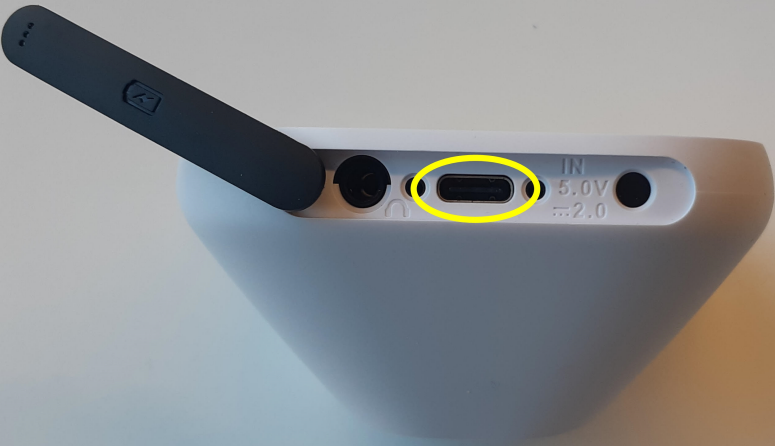
- Preparation: Locate the rubber cover at the bottom of the TytoCare device. Peel it back to reveal the charging port.
- Connection: Insert the charging cable into the outlet. Use only the charger provided with your kit to ensure electrical safety.
- Safety Lock: For patient safety, medical examinations are disabled while the device is connected to a power source.
- Recommendation: To avoid interruptions during a visit, we recommend recharging the battery after every use.
Identifying Your Device & Charging Status
The charging indicator lights and cable types vary depending on whether you have a Generation 1 (G1) or Generation 2 (G2) device.
| Device Version | Cable Type | Light Indicators |
|---|---|---|
| Generation 1 (G1) | Proprietary Round Plug | ● Orange: Charging ● Green: Fully Charged |
| Generation 2 (G2) | USB-C | ● Purple: Charging ● Blue: Fully Charged |
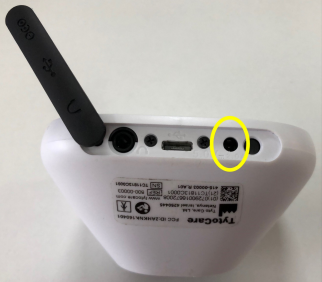
Port Identification
G1 Proprietary Port
G2 USB-C Port