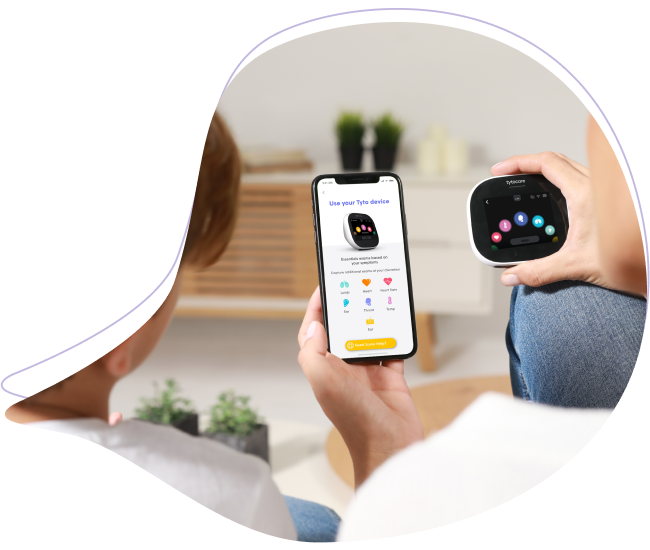
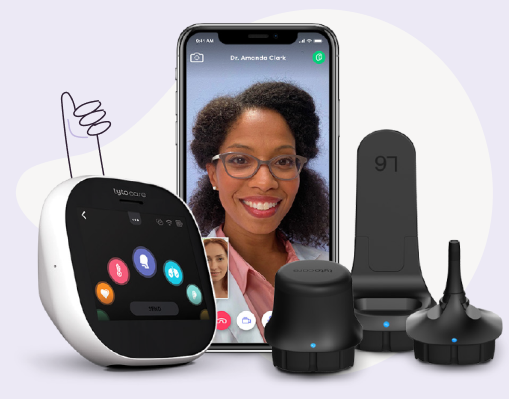
Symptom: The TytoCare device does not turn on after pressing the power button.
Possible Cause: The TytoCare device is out of battery.
Suggested Solution: Charge the Device
- Connect Charger: Plug the TytoCare device into its designated power adapter.
- Wait for Charge: Allow the device to charge until the battery is at least 20% full.
- Power On: Once charged, press the power button to start the device.
Reminder: You cannot perform exams while the device is physically connected to the charger. Always unplug the device before starting a medical exam.