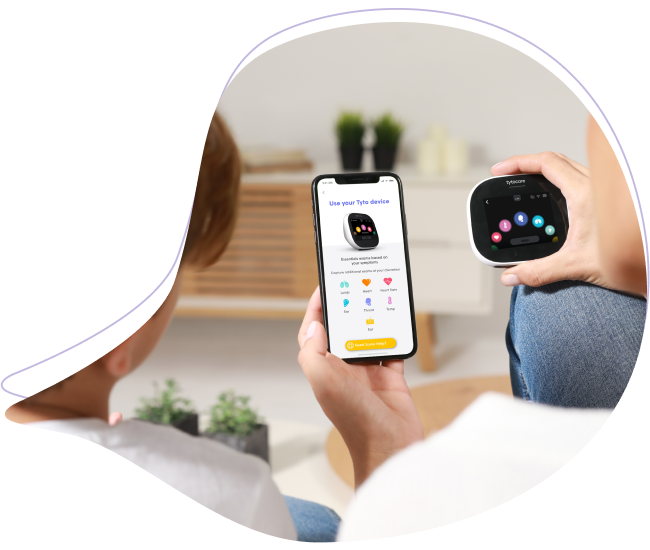
Your TytoCare serial number is a unique identifier required for technical support, warranty claims, and account verification. You can find this number using either the device software or the physical sticker.
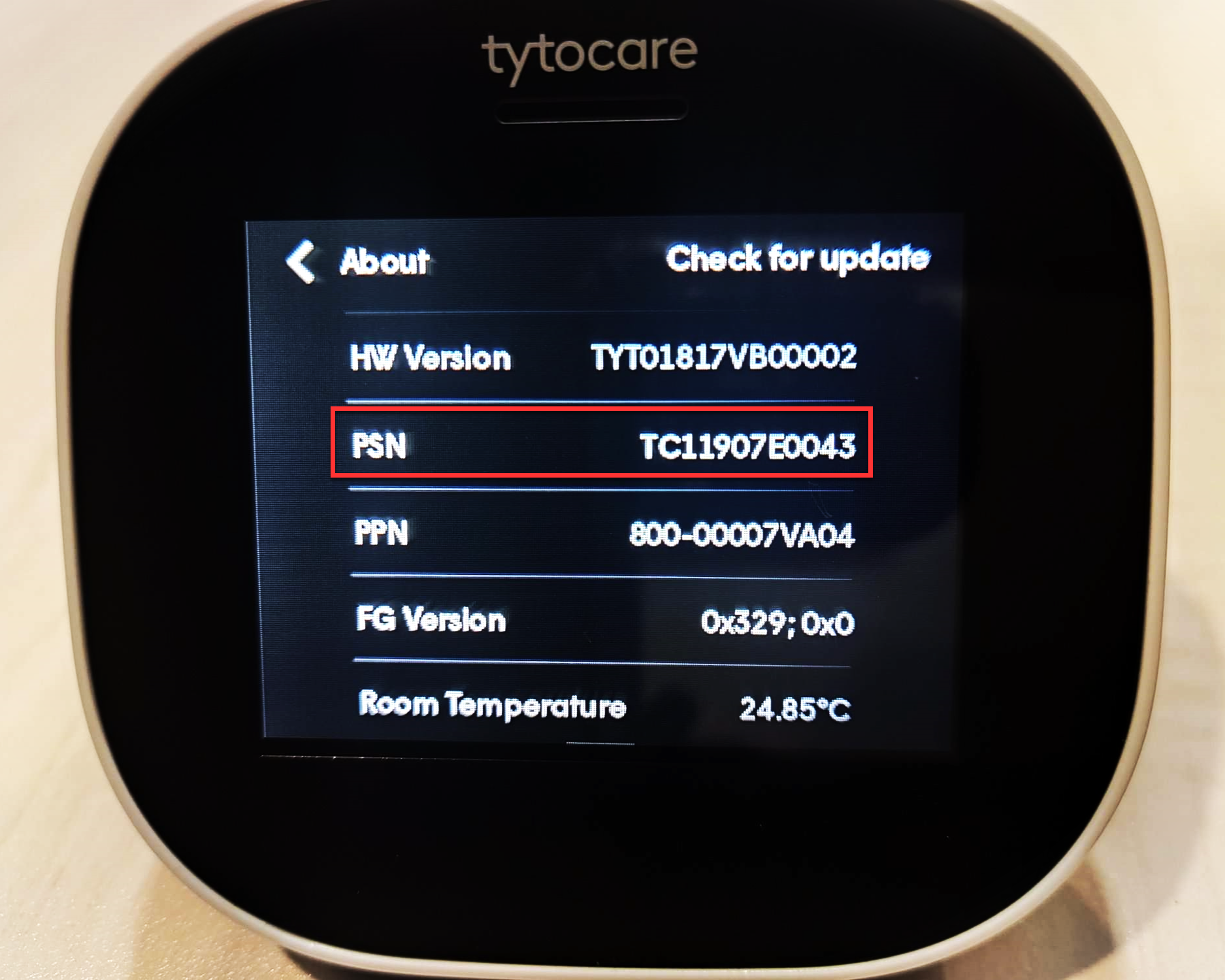
Option 1: Using the Device Software (About Page)
This is the most reliable way to identify the serial number if the device powers on.
- Tap the three-dot icon located at the top of the TytoCare device screen.
- Tap About on the upper-right part of the menu.
- Scroll down to the PSN (Product Serial Number) section to view your number.
Option 2: Checking the Physical Sticker
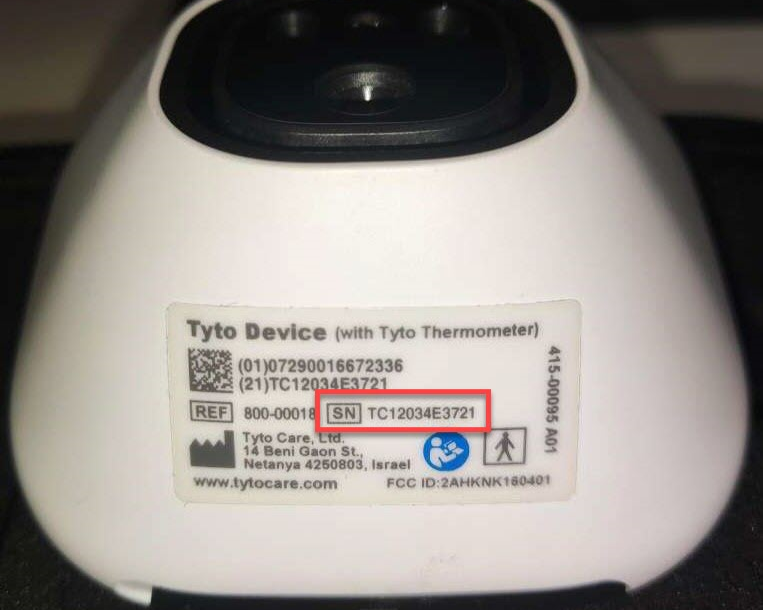
If the device cannot power on, you can find the serial number on the base of the unit.
- Look at the regulatory sticker located on the bottom of the TytoCare device.
- Locate the section labeled SN.
- Your serial number will always start with the letters "TC" followed by a string of alphanumeric characters.
Support Tip: When contacting TytoCare Support, having your TC serial number ready will significantly speed up the troubleshooting or replacement process.