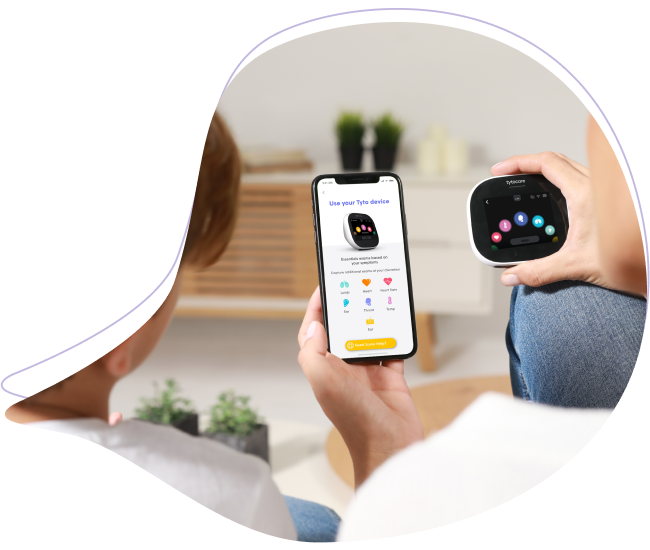
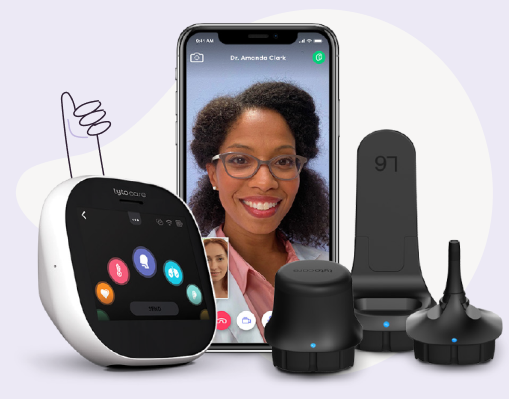
This article provides details on the two primary methods for conducting a telehealth session using your TytoHome device.
Note: If you are associated with a specific healthcare organization or provider, please contact their office directly for instructions on how to schedule your TytoHome visit.
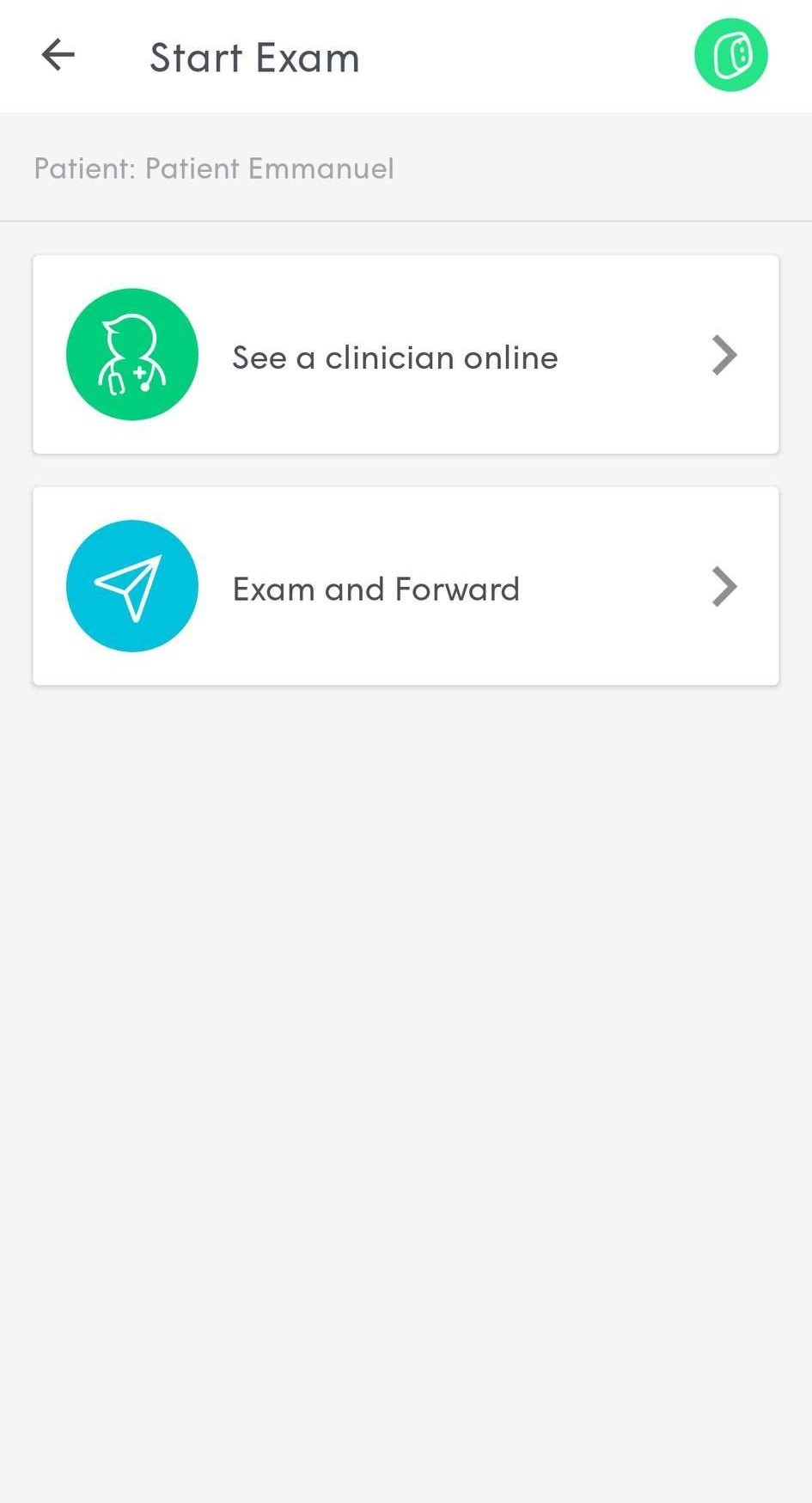
1. See a Clinician Online
This option allows you to connect with a clinician immediately via video. The doctor will remotely control your Tyto exam tools, perform a real-time examination, and provide an immediate diagnosis and treatment plan.
2. Exam and Forward
This option allows you to capture examination data (such as heart sounds, lung sounds, or throat images) at your convenience. The recorded data is then sent to a physician to review and provide a diagnosis at a later time.
Pro Tip: Ensure your TytoCare device is paired and your Wi-Fi signal is strong before starting either visit type to ensure a smooth data transfer.